Flauth 🔐

Flauth is a privacy-first, fully open-source TOTP authenticator. It offers both a GUI app (Android, macOS, Windows, Linux) and a lightweight CLI for viewing tokens directly in your terminal.
Download Latest Release | F-Droid | GitHub
🌟 Why Flauth?
- 100% Open Source: Transparent and trustable code. Your secrets never leave your device unless you choose to sync them.
- Flexible Backups:
- Security Logic: Detailed backup and restore mechanisms.
- Local Backup: Export/Import accounts as standard text files using system file pickers.
- WebDAV Sync: Seamlessly sync your data with your private cloud (Nextcloud, Nutstore, etc.).
- Privacy & Security:
- Security Architecture: Detailed security implementation.
- Encrypted Storage: Secrets are encrypted and stored in the device’s secure element (Keychain on iOS/macOS, Keystore on Android).
- Modern UI: Focused on simplicity. Built with Material 3, supporting adaptive light and dark modes.
📸 Screenshots
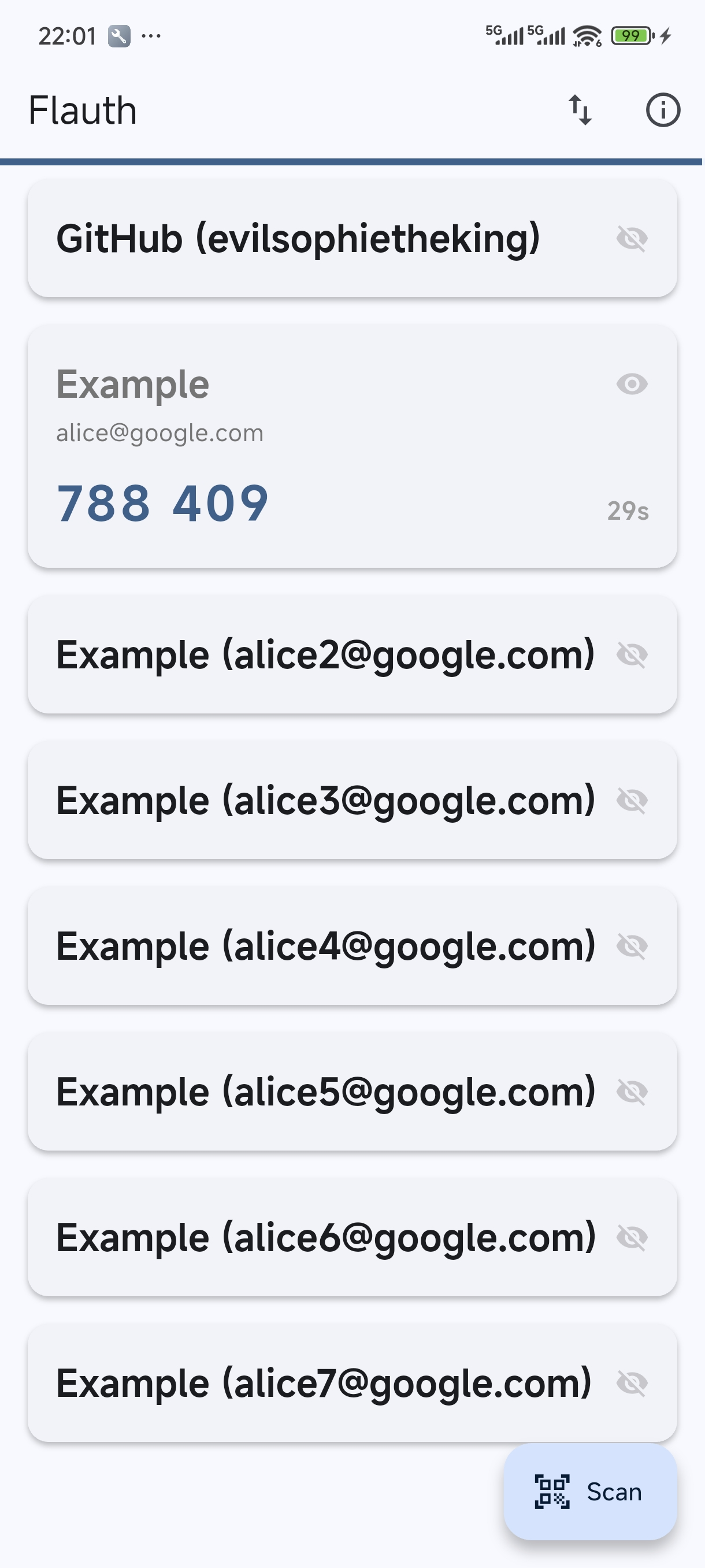
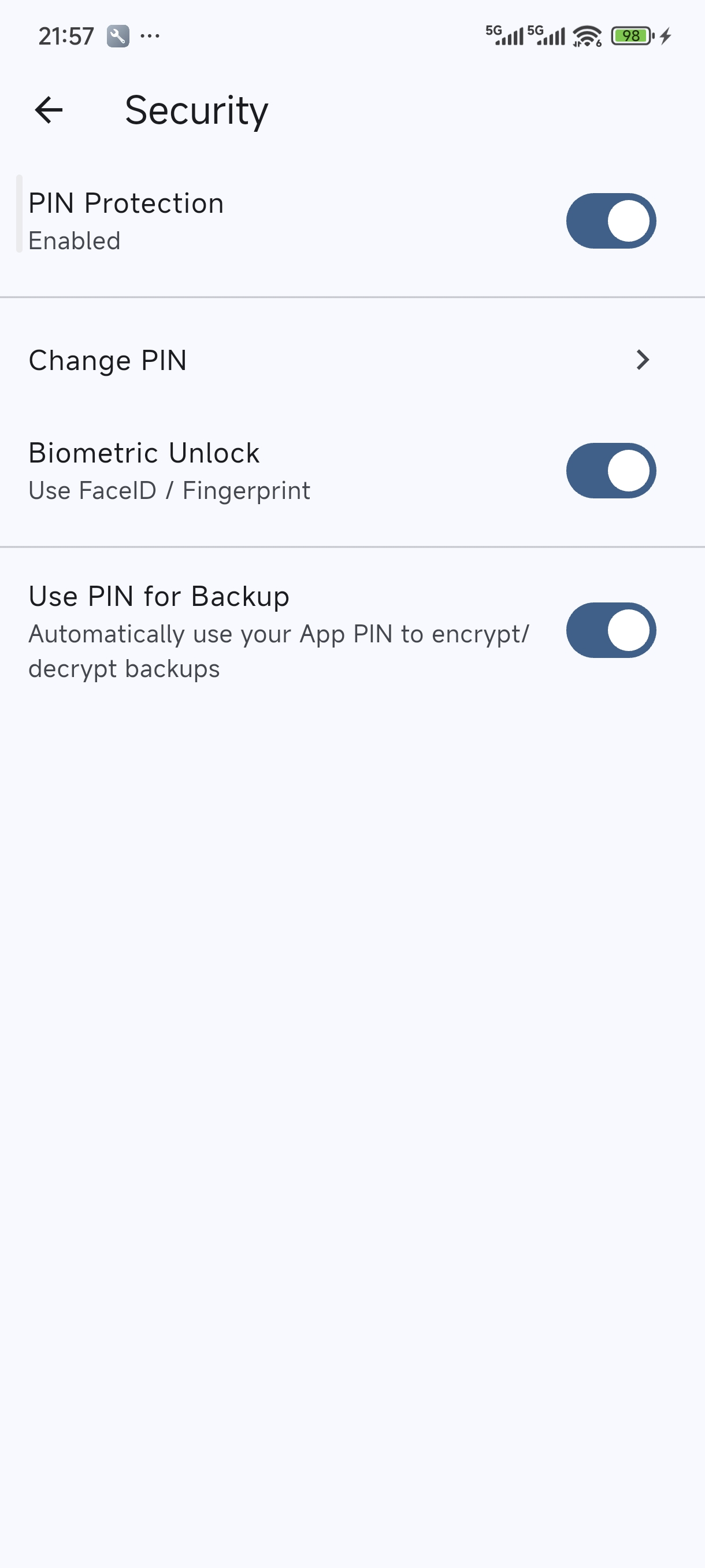
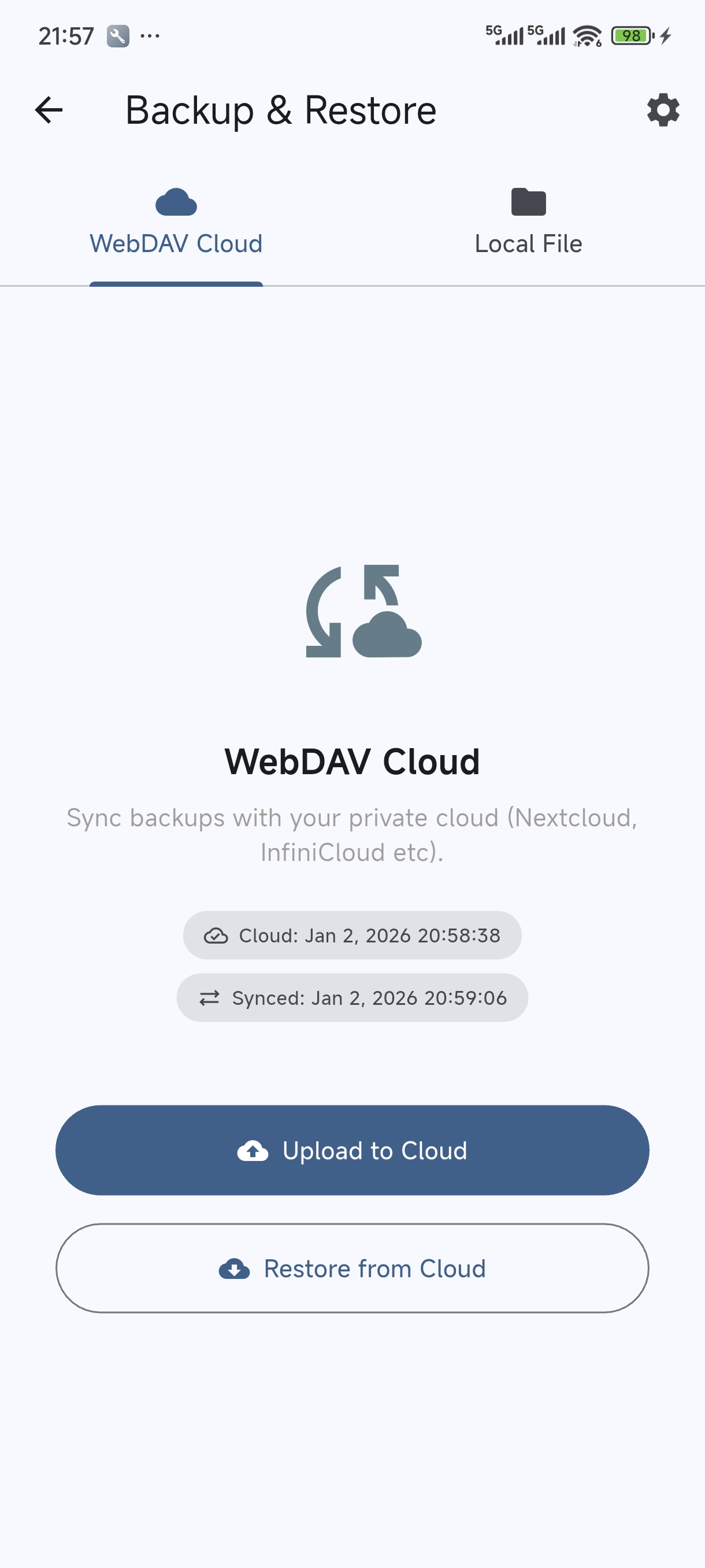
⬇️ Download
You can download Flauth from the following sources:
- F-Droid: The privacy-respecting FOSS Android app store.
- GitHub Releases: Pre-compiled binaries for all supported platforms (Android APK, macOS, Linux, and Windows).
⌨️ CLI
For a lightweight experience, Flauth also provides a command-line tool to view TOTP tokens directly in your terminal — no GUI needed.
Pre-compiled binaries for Linux, macOS, and Windows are available on the GitHub Releases page.
Quick Install
curl -fsSL https://jiacai2050.github.io/flauth/install.sh | sh
For users in China:
curl -fsSL https://jiacai2050.github.io/flauth/install.sh | sh -s -- --china
Run install.sh --help for more options (e.g. --version, --prefix).
Usage
# Set the backup file path
export FLAUTH_BACKUP_FILE=/path/to/backup.flauth

# Show all tokens
flauth-cli

# Filter by keyword
flauth-cli github

# Show help
flauth-cli --help
🛡️ Permissions
- Camera: To scan QR codes for adding accounts.
- Local Storage/Network: To backup/restore accounts locally or via WebDAV.
📄 License
This project is licensed under the MIT License.